SMS QR code generator
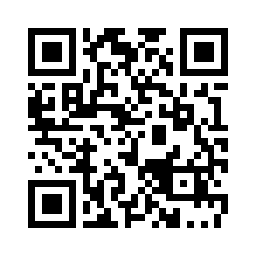
Scanning this code opens the messaging app with your phone number and a pre-written text ready to send. It suits opt-ins, appointment confirmations and contest entries.
Colours, size and error correction
Your QR code appears here as you type.
Static code: no expiry, no account, no redirect through our servers.Why it never expires
Make a text message QR code
- Enter the phone number, with the country code if people may scan it from abroad.
- Optionally write the message that should be filled in.
- Download the code as PNG or SVG.
What an SMS QR code contains
The code stores a short instruction in the common SMSTO format: the word SMSTO, the phone number and the message, separated by colons. Phone cameras recognise it and open the messaging app with the number and text filled in. The message can stay empty if you only want people to start a conversation with you.
Writing numbers that work from anywhere
Spaces, dashes and brackets are removed and only the digits are kept, plus a leading + if you typed one. Start the number with + and the country code if people may scan the code in another country or with a foreign SIM card; a number in local format may not reach you from abroad.
SMS code tips
- Spaces, dashes and brackets in the number are removed automatically.
- The person scanning can still edit the message before sending, and normal SMS rates apply on their side.
SMS QR code questions
Will an iPhone send it as an iMessage?
The code only opens the messaging app with the number and text filled in. The app then decides how to send it, exactly as with a message typed by hand, so an iPhone may use iMessage when the recipient has it and a normal SMS otherwise.
Who pays for the text message?
The person who scans the code and sends the message pays their usual rate, as if they had typed it themselves. Nothing is sent until they tap send, and making or printing the code costs nothing.