Phone number QR code generator
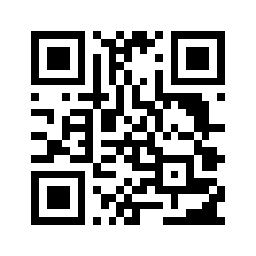
Put a call button on paper: scanning the code opens the phone’s dialler with your number ready to call. Handy for shop windows, vehicles, flyers and lost-and-found tags.
Colours, size and error correction
Your QR code appears here as you type.
Static code: no expiry, no account, no redirect through our servers.Why it never expires
Create a tap-to-call code
- Enter the phone number, starting with + and the country code for international use.
- Check the preview and adjust the colours if needed.
- Download the code and print it.
What a call QR code keeps
The code stores a tel: link with only the digits of your number and a leading + if you typed one. Spaces, dashes, dots and brackets are dropped, because every phone dialler understands the plain digits. A number with fewer than three digits is rejected instead of becoming a code that cannot call anything.
Extensions and phone menus
Because only digits and a leading + are kept, pause characters and extension markers are removed, and digits typed after an extension marker would be joined onto the number. Leave extensions out of the code and print them next to it, or use a direct number that rings the right person or team.
Call code tips
- Phones always ask before calling, so a scan never dials by accident.
- Only digits and a leading + are kept, which every dialler understands.
Call QR code questions
Does a call code work on tablets and laptops?
The code opens whatever app the device uses for tel: links. On a phone that is the dialler; a tablet or laptop may offer a calling app or do nothing at all. Printing the number beside the code helps people who scanned with a device that cannot call.
Should I include the country code?
Yes, if anyone might call from abroad or with a foreign SIM card. Start with + and the country code, for example +44 for the UK, and the number works from any country. Without it, the dialler treats the number as local to wherever the caller is.